
 XLSX
XLSX
Workbook category
Hospitality Revenue Excel Templates
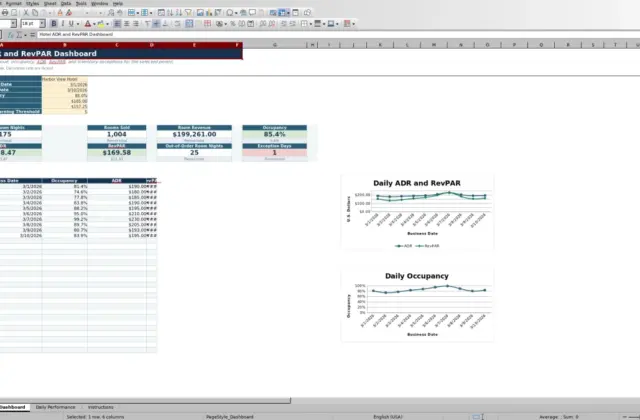
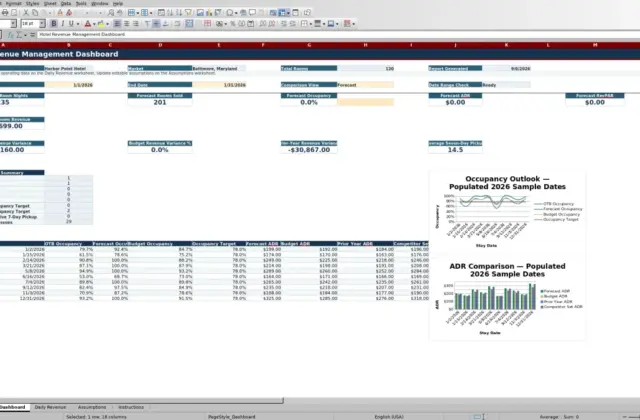
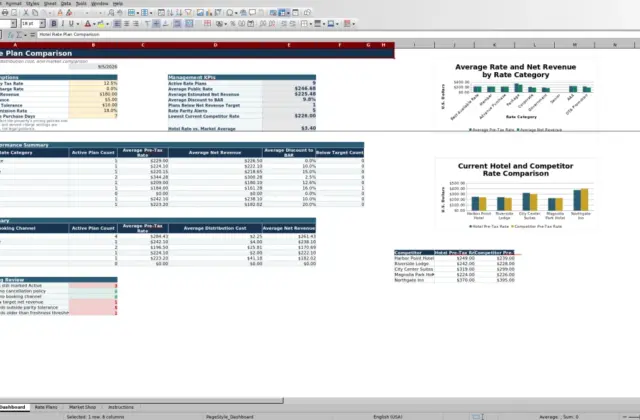
Explore Excel workbooks for hotel and lodging teams planning budgets, forecasting occupancy, reviewing rates, and organizing revenue or finance reporting. The list reflects published files only.
View all workbooks →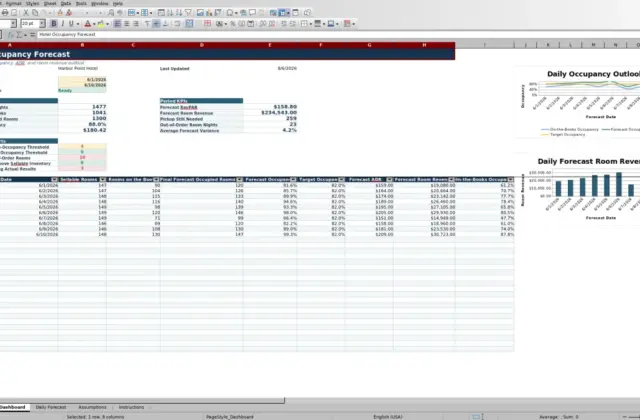
Category guide
Match the workbook to the planning horizon
Use a daily or weekly tracker for pickup, rates, occupancy, and operating decisions; use a monthly model for budgets, cash flow, profit and loss, or owner reporting. A calculator is best for one defined question such as break-even, channel commission, or ADR and RevPAR, while a forecast compares assumptions across future periods. Keeping these purposes separate makes the output easier to review.
Prepare consistent financial inputs
Before using a file, agree on the reporting period, available rooms or units, rooms sold, room revenue, other revenue, expense groups, and whether values are actual, budget, or forecast. Document tax treatment and currency in the working copy. Check definitions when combining figures from a property-management system, accounting platform, or channel report so the same sale is not counted twice.
Know the boundary of the collection
These workbooks support internal analysis and planning; they do not replace accounting records, tax advice, or a property-management system. Cross-department operating trackers are in Hotels, labor planning is in Staffing, and restaurant costing is in Dining. Browse the full workbook library to see which files are currently available.