Revenue · XLSX
Free 2026 Hotel Cash Flow Forecast Excel Template
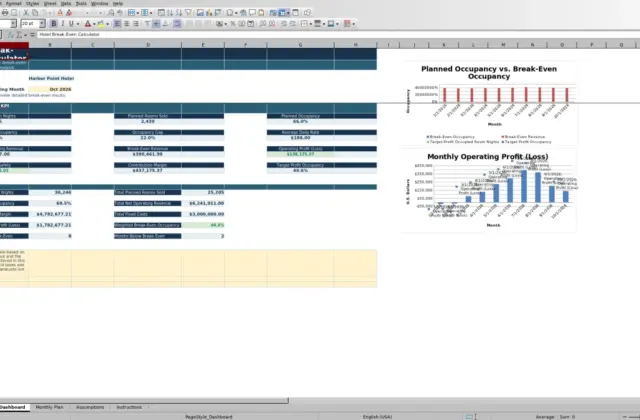
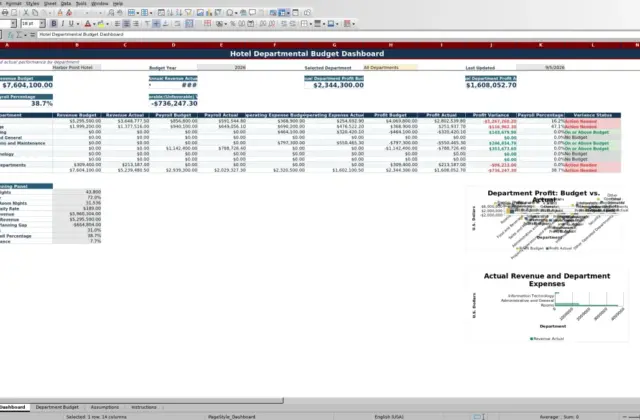
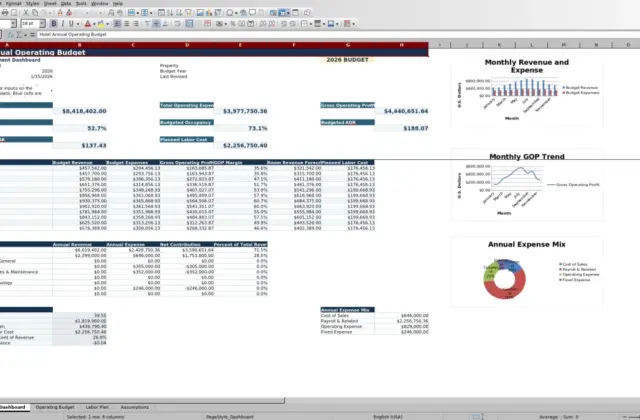
Hotel cash flow forecast with a 13-week view, scenario-adjusted activity, cash thresholds, weekly totals, and dashboard metrics.
Formula and workbook structure checked before publication
This free Excel template gives hotel operators a structured way to forecast cash receipts and payments across a 13-week horizon. It organizes expected and completed activity by cash date, category, department, counterparty, status, owner, and other operating details.
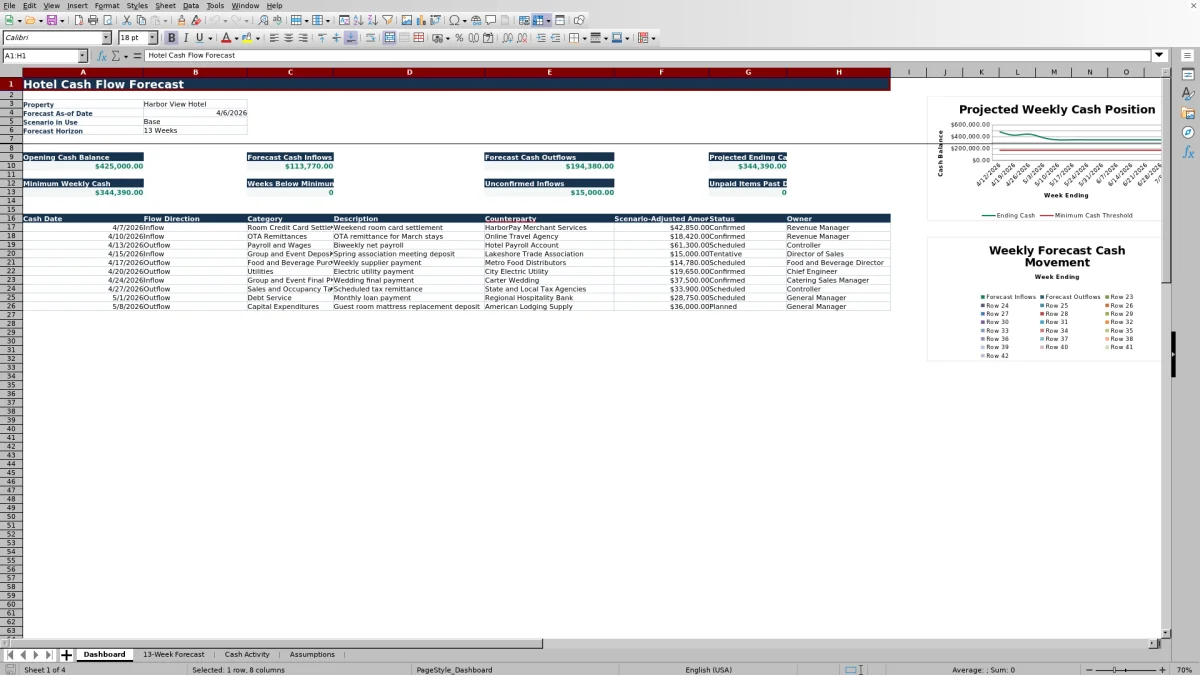
The four-sheet workbook connects property assumptions and transaction-level cash activity to a weekly forecast and dashboard. It calculates scenario-adjusted amounts, projected ending cash, weeks below the minimum cash threshold, unconfirmed inflows, and unpaid past-due items. Two dashboard charts provide visual views of weekly cash movement.
At a glance
What this workbook helps you manage
- Projects opening cash, inflows, outflows, and ending cash for each of 13 weeks.
- Separates hotel receipts and payments into operationally relevant cash categories.
- Highlights weeks when projected cash falls below the property’s minimum threshold.
- Supports Base, Upside, and Downside scenario review using configured multipliers.
See the actual file
Inside the workbook
Included in the file
- Four connected sheets: Dashboard, 13-Week Forecast, Cash Activity, and Assumptions.
- Hotel-specific inflow and outflow categories covering operations, financing, owner activity, and capital spending.
- Cash Activity calculations for scenario multiplier, adjusted amount, signed amount, and data quality status.
- Dashboard metrics plus two charts linked to the 13-week forecast.
How to use the template
1. Set the property and forecast controls
Begin on the Assumptions sheet. Enter the property name, city and state, forecast as-of date, forecast start date, opening cash balance, minimum cash threshold, and high-value review threshold. Choose Base, Upside, or Downside as the selected scenario.
2. Record expected and completed cash activity
Use the Cash Activity sheet for individual receipts and payments. The table provides 250 activity rows and includes:
- Activity ID, cash date, flow direction, and cash category
- Department, description, counterparty, and source reference
- Forecast or Actual designation, status, and base amount
- Probability percentage, scenario class, payment method, and owner
- Follow-up date and notes
Select Inflow or Outflow, assign the appropriate hotel cash category, and enter a positive base amount. The data quality check identifies a missing cash date or an amount that is not positive.
3. Review scenario-adjusted amounts
The workbook calculates a scenario multiplier from the selected scenario and each item’s scenario class. Forecast items are adjusted by the base amount, probability percentage, and multiplier. Actual items use their base amount, while canceled items calculate to zero. Signed cash amounts are positive for inflows and negative for outflows.
4. Check the weekly forecast and dashboard
The 13-Week Forecast sheet assigns activity to weekly periods and carries each projected ending balance into the next week as opening cash. Review weekly inflows and outflows, projected ending cash, the minimum cash comparison, and the dashboard summary. Follow up on tentative receipts, unpaid past-due items, and weeks projected below the cash threshold.
What does the 13-week hotel cash flow forecast show?
The weekly forecast begins with the opening cash balance from the Assumptions sheet. Each subsequent week starts with the prior week’s projected ending cash. This rolling structure shows how expected receipts and payments affect liquidity over 13 consecutive weeks.
Inflows include room credit card settlements, OTA remittances, group and event deposits, group and event final payments, food and beverage receipts, guest fees, gift card and advance purchase receipts, other operating inflows, owner contributions, loan proceeds, and other financing inflows.
Outflow categories include payroll and wages, payroll taxes and benefits, food and beverage purchases, rooms and housekeeping supplies, utilities, repairs and maintenance, sales and occupancy tax remittances, insurance, property taxes, marketing and distribution, OTA commissions, merchant processing fees, rent or ground lease, debt service, and capital expenditures.
How does the workbook handle forecast uncertainty?
Each Cash Activity entry can be identified as Forecast or Actual. Forecast entries include a probability percentage and a scenario class. The workbook looks up the applicable multiplier for the selected Base, Upside, or Downside scenario and calculates a scenario-adjusted amount.
Status also affects the result. A canceled entry contributes zero, while actual activity uses its entered base amount. Available status choices are Planned, Tentative, Confirmed, Scheduled, Paid, Received, and Canceled. This structure lets the forecast distinguish firm cash events from less certain receipts or payments without removing the underlying record.
How can hotel operators identify short-term cash pressure?
The Dashboard displays opening cash, total forecast inflows, total forecast outflows, and projected ending cash. It also reports the minimum weekly cash balance and counts the number of weeks marked below the minimum cash threshold.
Operators can use this information to identify the timing of a projected shortfall rather than relying only on the final 13-week balance. The dashboard also totals tentative inflows and counts unpaid items with cash dates before the forecast as-of date, excluding entries marked Paid or Canceled. These measures help focus weekly review on timing and collection risk.
What details can be assigned to each hotel cash item?
The Cash Activity table is designed for traceable, transaction-level planning. Beyond amount and date, an item can include a department, description, counterparty, source reference, payment method, responsible owner, follow-up date, and notes.
These fields can document expected settlement timing, vendor payments, payroll funding, group deposits, tax remittances, capital spending, and other cash events. The Dashboard reproduces activity details including cash date, flow direction, category, description, counterparty, scenario-adjusted amount, status, and owner, giving operators a concise operational review area.
Questions about this workbook
How many sheets are included in the hotel cash flow forecast workbook?
The workbook contains four sheets: Dashboard, 13-Week Forecast, Cash Activity, and Assumptions. The sheets are connected through formulas so that assumptions and activity records feed the weekly forecast and dashboard.
Can the template compare different cash flow scenarios?
Yes. The Assumptions sheet provides a choice of Base, Upside, or Downside. The selected scenario determines the multipliers applied to forecast activity according to its scenario class. The workbook displays the scenario currently in use on the Dashboard.
Does the workbook distinguish forecast activity from actual cash activity?
Yes. Each entry can be marked Forecast or Actual. Forecast amounts use probability and scenario calculations, while actual items use the entered base amount. Entries marked Canceled calculate to zero.
What happens when projected cash falls below the minimum threshold?
The 13-Week Forecast compares weekly cash with the minimum cash threshold entered on the Assumptions sheet. The Dashboard reports the minimum weekly cash amount and counts the weeks identified as Below Minimum.
Are there controls for consistent data entry?
Yes. Drop-down lists are provided for flow direction, cash category, Forecast or Actual, status, scenario class, and selected scenario. A calculated data quality field checks whether an activity row is missing a cash date or contains a base amount that is not positive.
Transparent credits
Editorial and workbook QA bylines
The named editorial signatures and their responsibilities stay consistent across the library.

Workbook guide and editorial context
Audrey Whitmore
Audrey Whitmore is the consistent editorial byline for practical setup guidance written from each workbook’s final manifest and published features.
Meet the editorial byline →
Workbook structure and formula QA byline
Ethan Cole
Ethan Cole is the consistent QA byline shown only when recorded checks pass for worksheet structure, formulas, validations, recalculation, and the published XLSX bytes.
See the QA byline and checks →